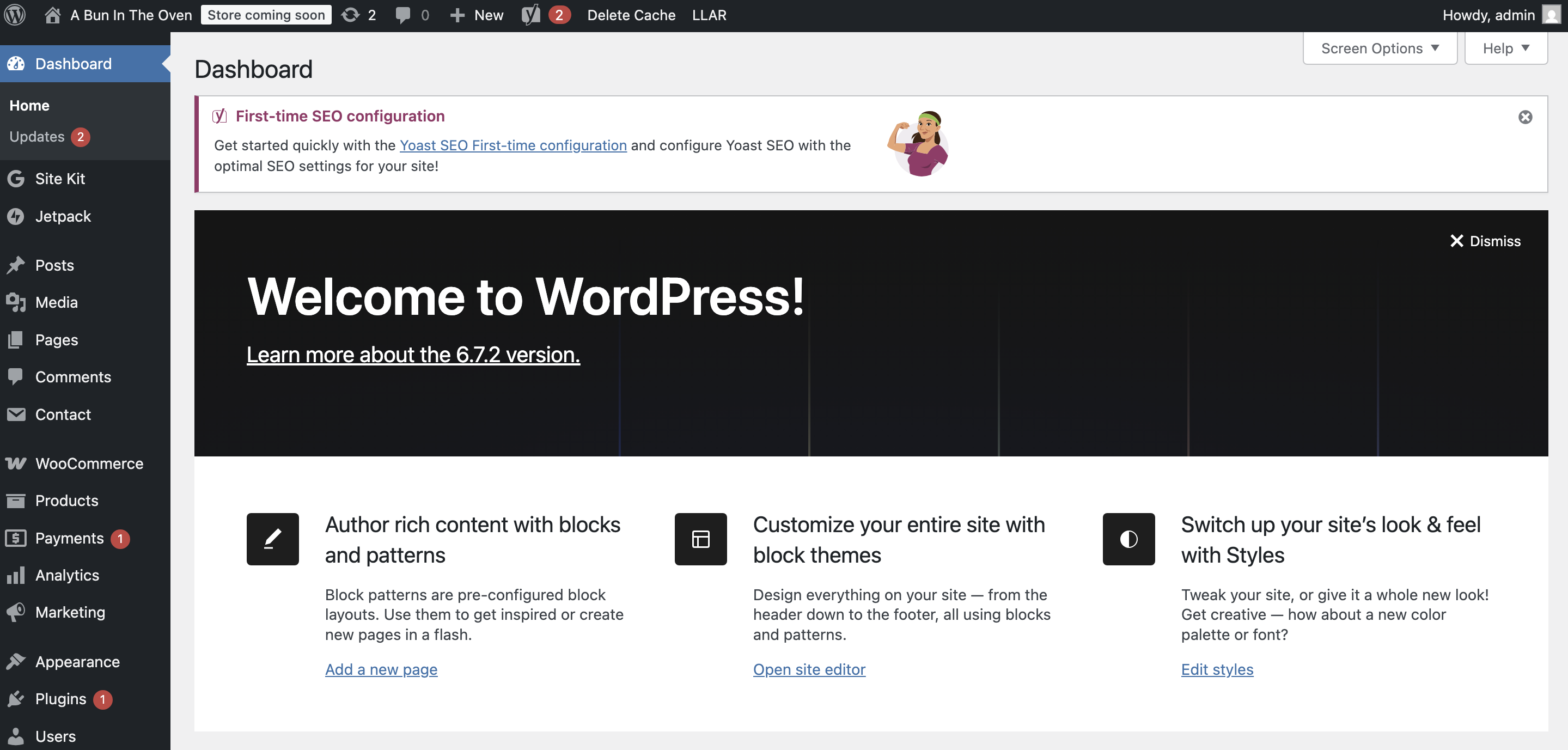
If you have purchased a Woocommerce hosting package from us, accessing your new Woocommerce administration panel can be achieved by following these simple steps:-
- Go to https://www.blackmoonhosting.com and select the Client Login from the menu.
- Under the Services & Billing heading select the green Manage button.
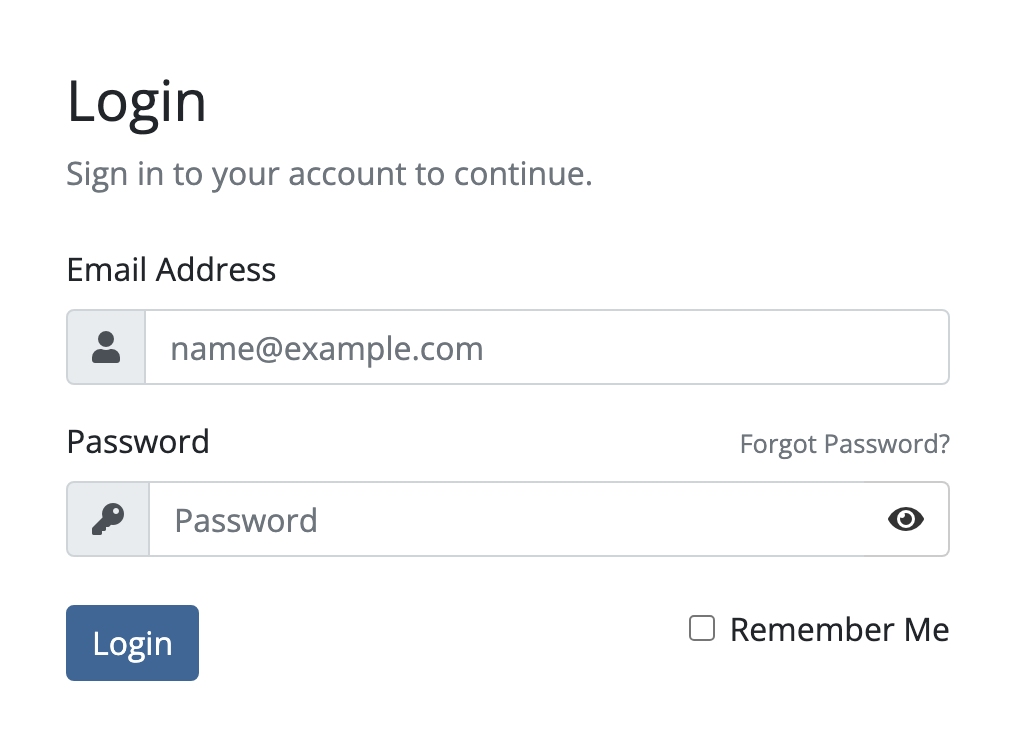
- Login to your Services account by entering your email address and password. Select the Login button.
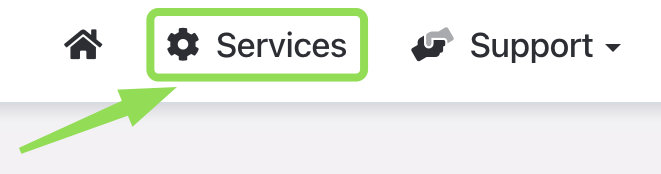
- Select the Services menu.
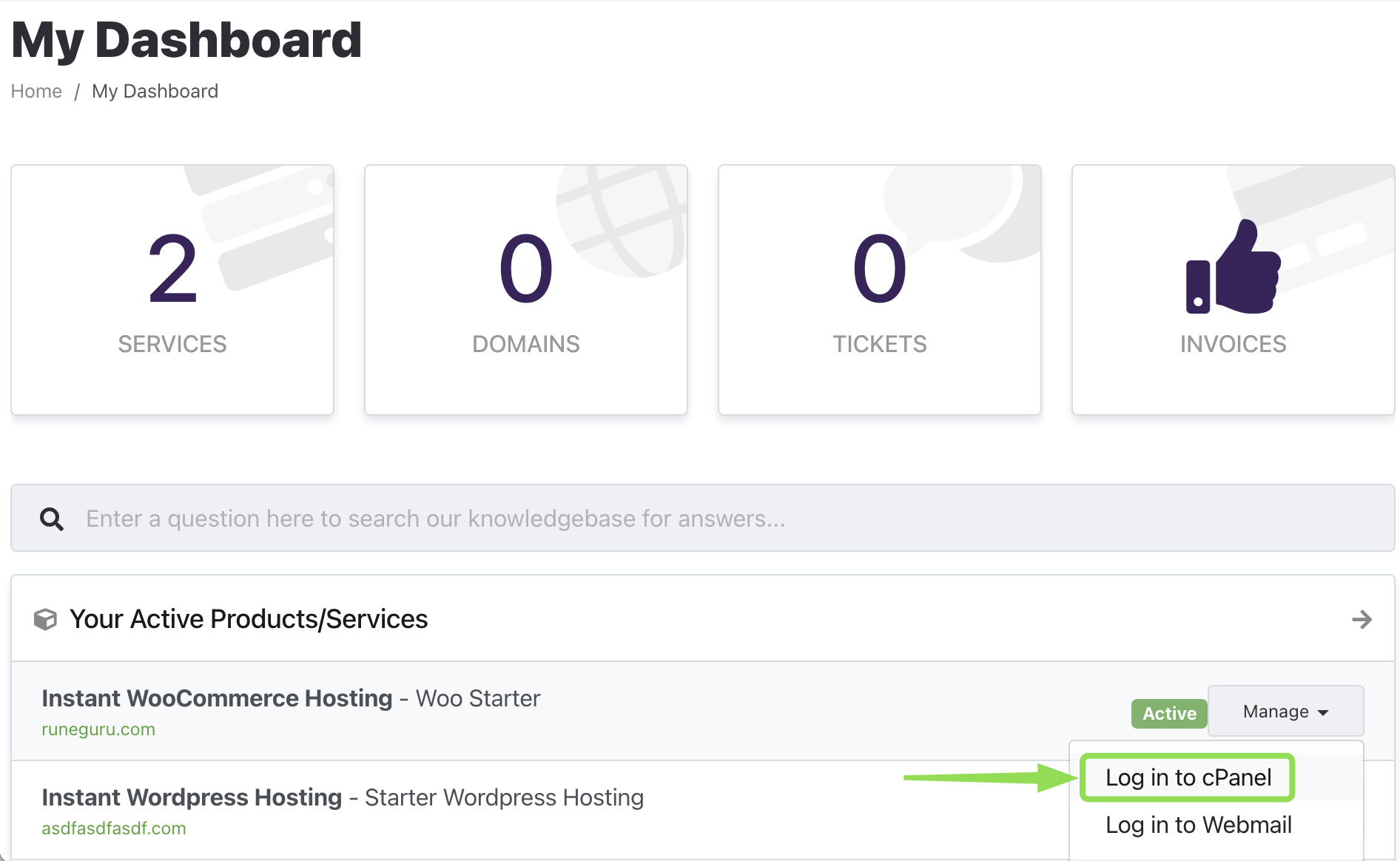
- Locate your domain name, click on the Manage button to the right side and then select Login to cPanel
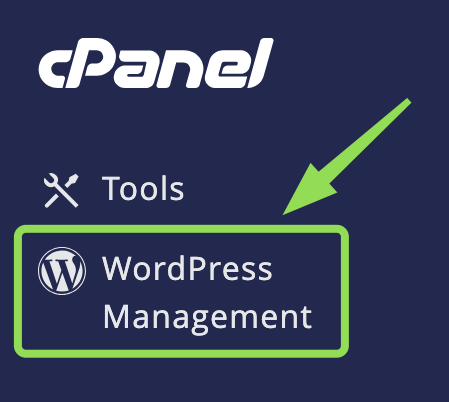
- On this page select the Wordpress Management option located on the left hand-side.
- Now next to your domain name select the blue Login button.
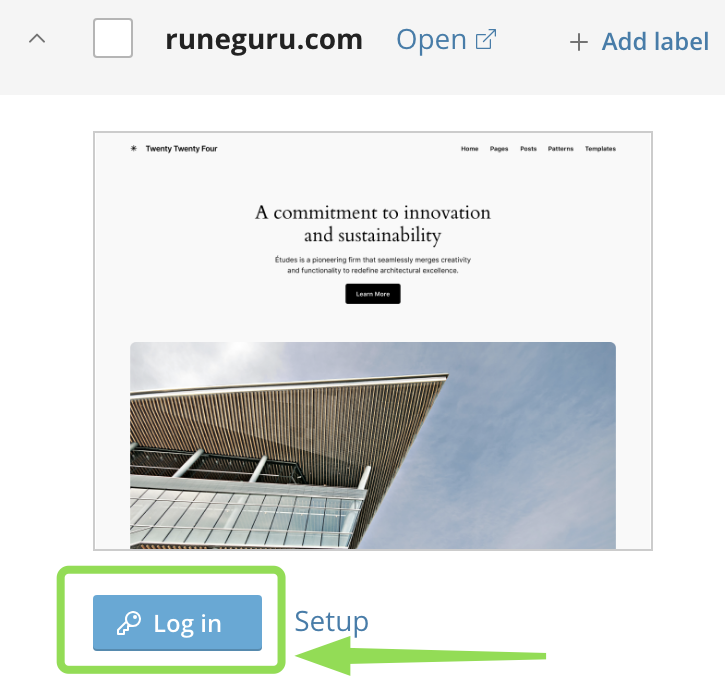
- You will now be auto logged into your Wordpress WooCommerce administration panel. Simply select WooCommerce from the left hand-side menu to begin configuring WooCommerce.